Feature · Grow Your Business & Keep Clients Coming Back
Manage Leads
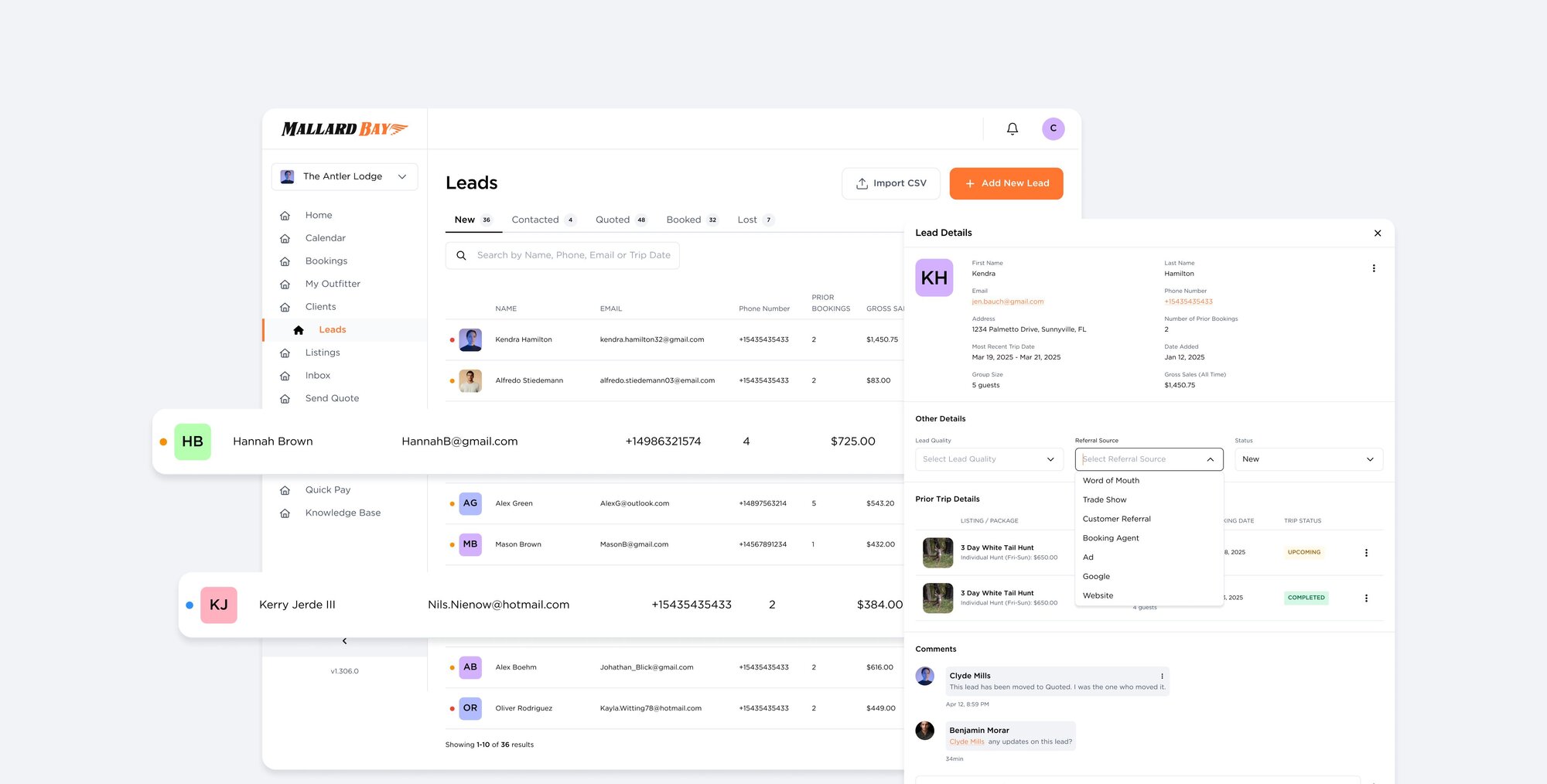
Leads is an inbox for inbound interest in Mallard Bay. Each row shows the prospect, a cold, warm, or hot quality flag, source, contact details, prior bookings, gross sales, and notes. Move leads through New, Contacted, Quoted, Booked, Lost, and Disqualified. Leads arrive by manual entry, CSV import, Facebook and Instagram, your custom forms, or the AI assistant.
Benefits
- Every inquiry in one inbox with unread status and stage counts
- Sources tracked: Facebook, Instagram, website forms, AI assistant, referrals
- Trip budget, group size, and form answers captured on each lead
- Message a lead with your email or SMS templates without leaving the page
- Turn any form into a lead source with one setting
More in Grow Your Business & Keep Clients Coming Back
Client Portal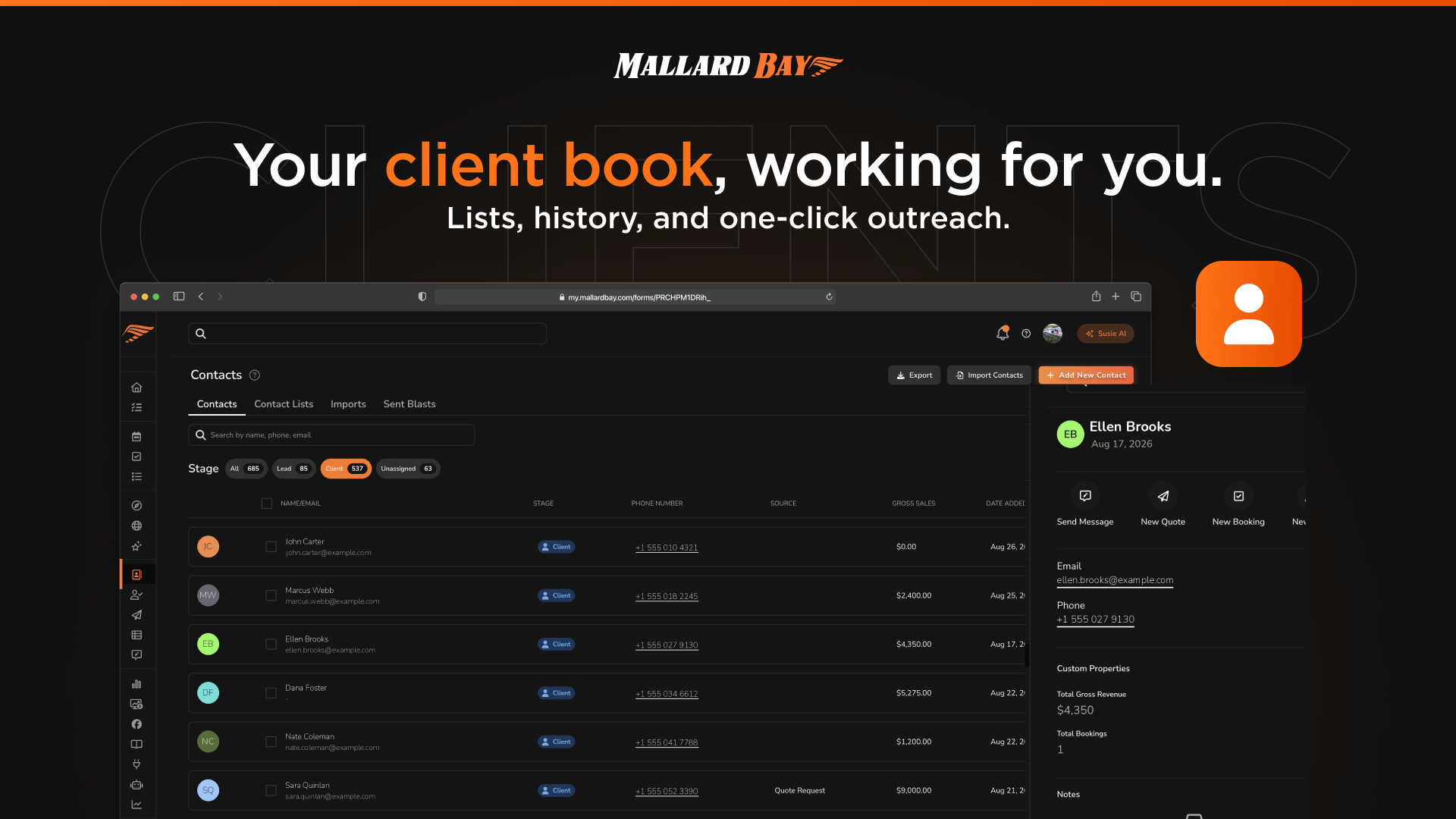
Client Portal
Clients is the guest roster inside Mallard Bay: one place to see everyone you know, segment them into client lists for outreach and campaigns, and tag them with custom properties you define. Client records connect to bookings, quotes, leads, and messaging, so notes and history follow each guest across sales and operations.
Quotes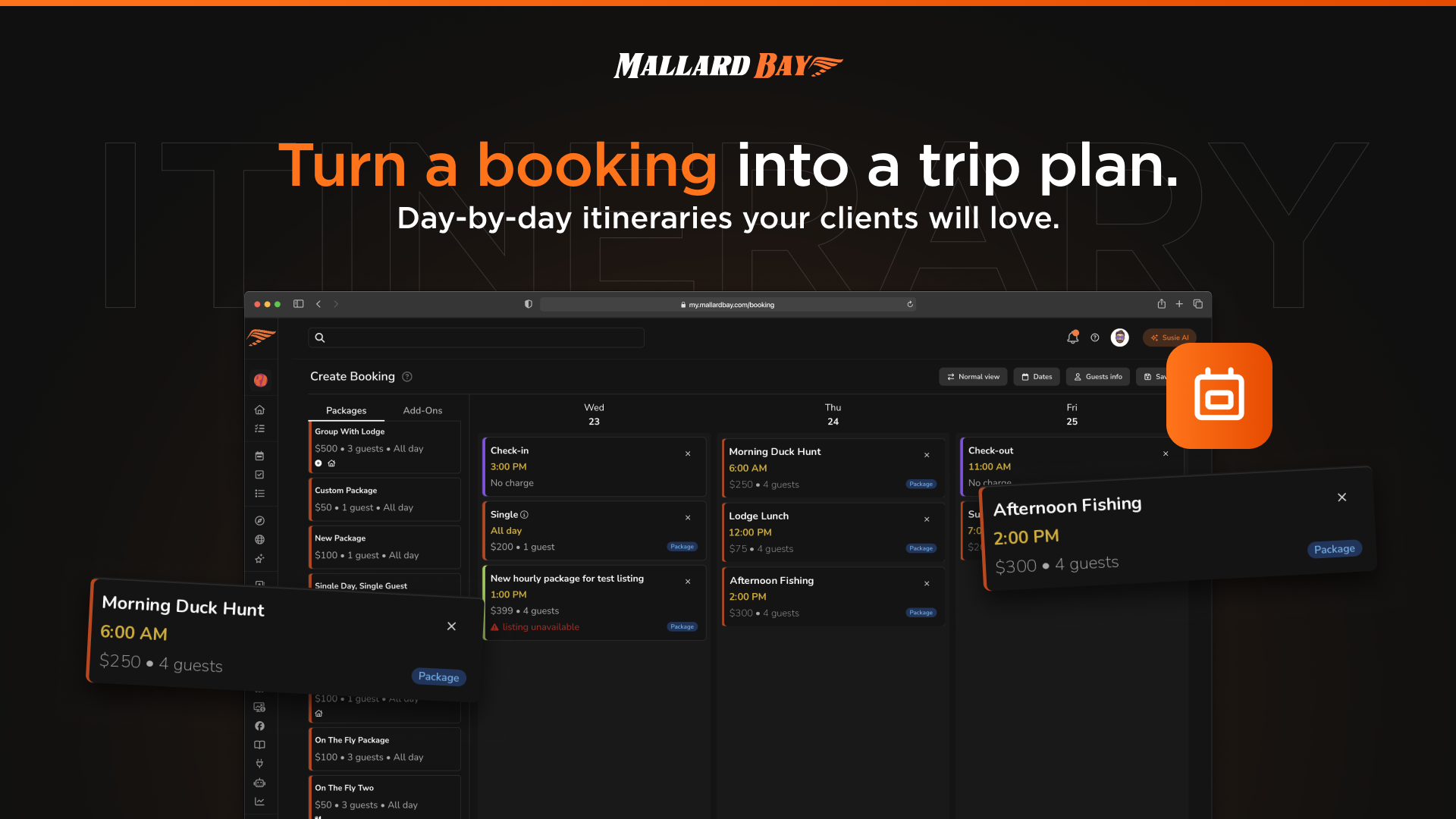
Quotes
Quotes package a trip offer in Mallard Bay: listing, dates, package, guests, add-ons, optional coupon, notes, and pricing, before it becomes a confirmed booking. Guest quote requests from your listings or website land in the Quotes area, and every sent quote carries a shareable guest link. When the guest completes checkout, the quote becomes a booking on your calendar.
Digital Waiver Tools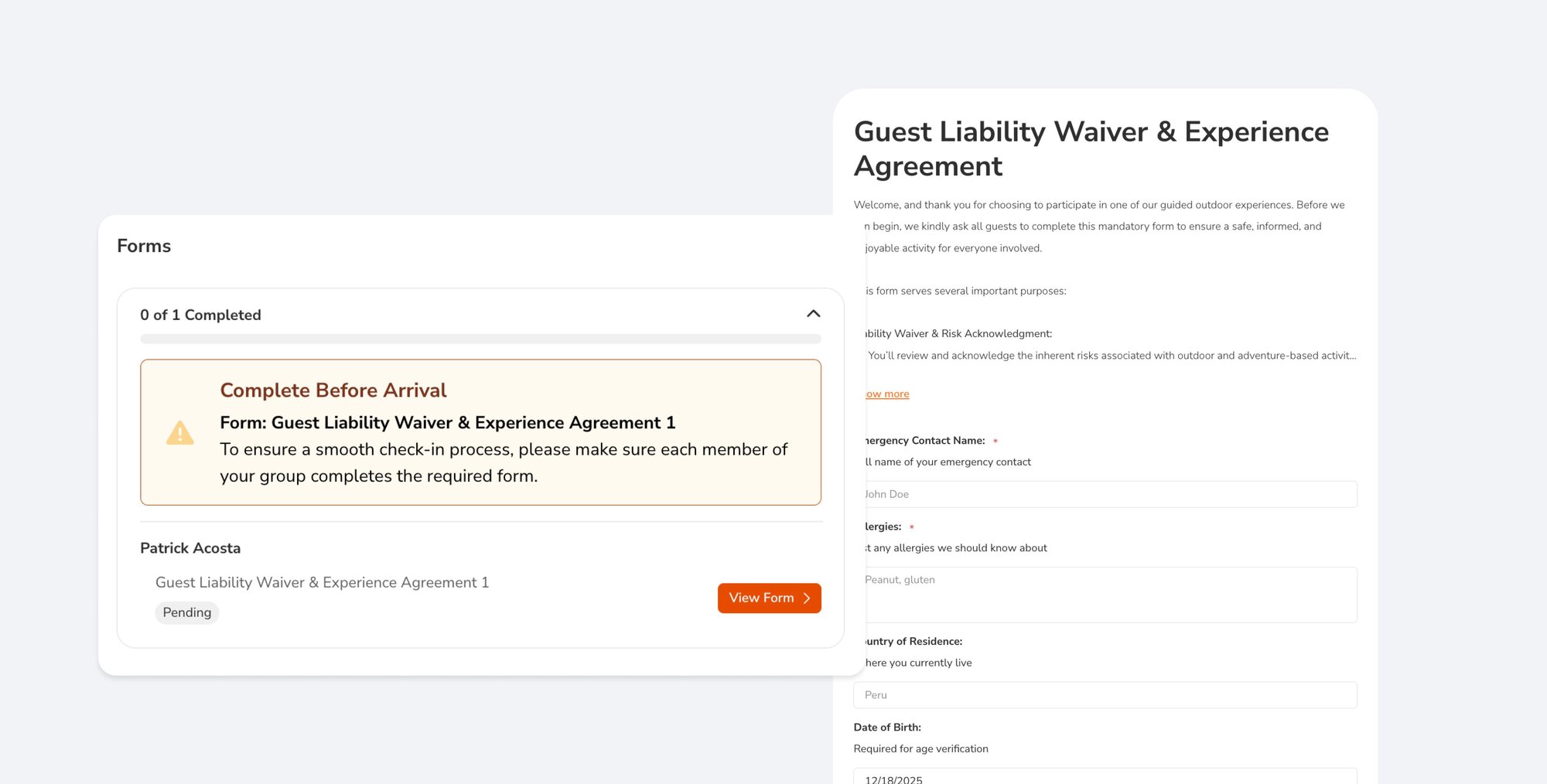
Digital Waiver Tools
Mallard Bay handles waivers two ways. Build an interactive form with a signature field from the Liability Waiver starter template and attach it to specific listings and pricing packages so it becomes part of booking. Or publish a liability waiver document, PDF or link, alongside your trips. Signed submissions are stored on the form's Submissions tab.
